Просмотр новости
Найдите то, что Вас интересует
 Спутники
 РН
РН SpaceX
 Роскосмос
 NASA
NASA
СпутникиРНSpaceXРоскосмосNASA
Pano2VR 8.0 beta 3 is out, and it adds a lot of improvements for working with 3D models, more camera points, optimization for viewing on mobile, 3D models in VR, and new Skin Editor actions. And as always, a lot of bug fixes, and even a new tutorial!
The post Pano2VR 8 beta 3 appeared first on Garden Gnome.
Pano2VR 8.0 beta 3 is out, and it adds a lot of improvements for working with 3D models, more camera points, optimization for viewing on mobile, 3D models in VR, and new Skin Editor actions. And as always, a lot of bug fixes, and even a new tutorial!
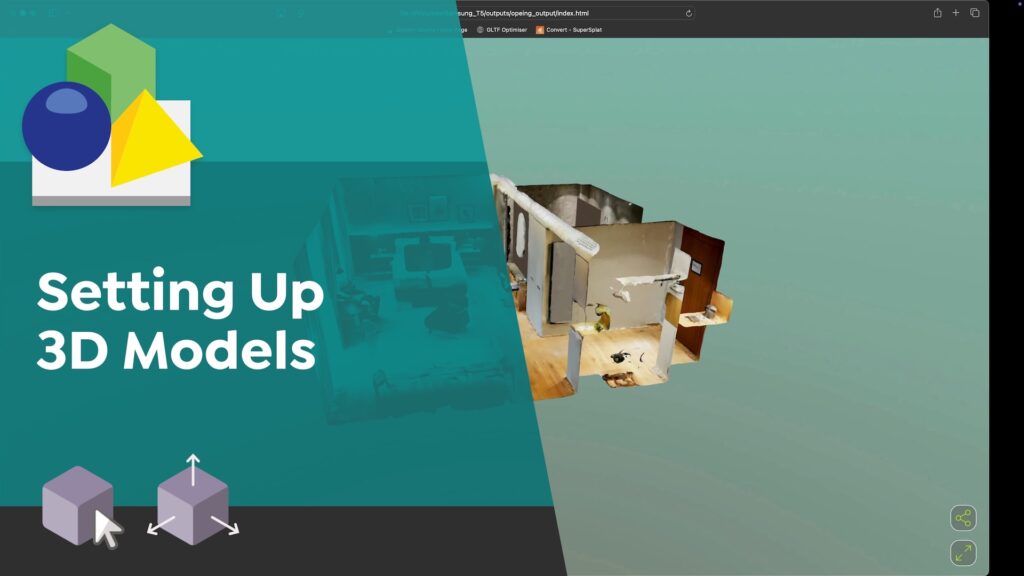
Setting up 3D ModelsWe know that working with 3D models is new to a lot of you, and even more so working with them inside Pano2VR. To help, we made a very comprehensive tutorial showing you how to add and set up models:
 3D Model Improvements3D Models in Immersive View
3D models are now viewable in Immersive View! We needed to find a good way to interact with the models in VR, so we came up with these gestures:
The Target Camera is a new Camera Point type. Unlike other Camera Points, it stores not just a position, but also viewing direction, field of view, and camera mode. It can be used as a hotspot target for model nodes, in skin actions that set the 3D camera view, or in motion paths to control the camera direction along the path.
Another new camera point type was added specifically for the Default View. This way, you can define motion paths when going from the default view of the model to other camera points in that model, making it possible to avoid going through the model geometry during transitions.
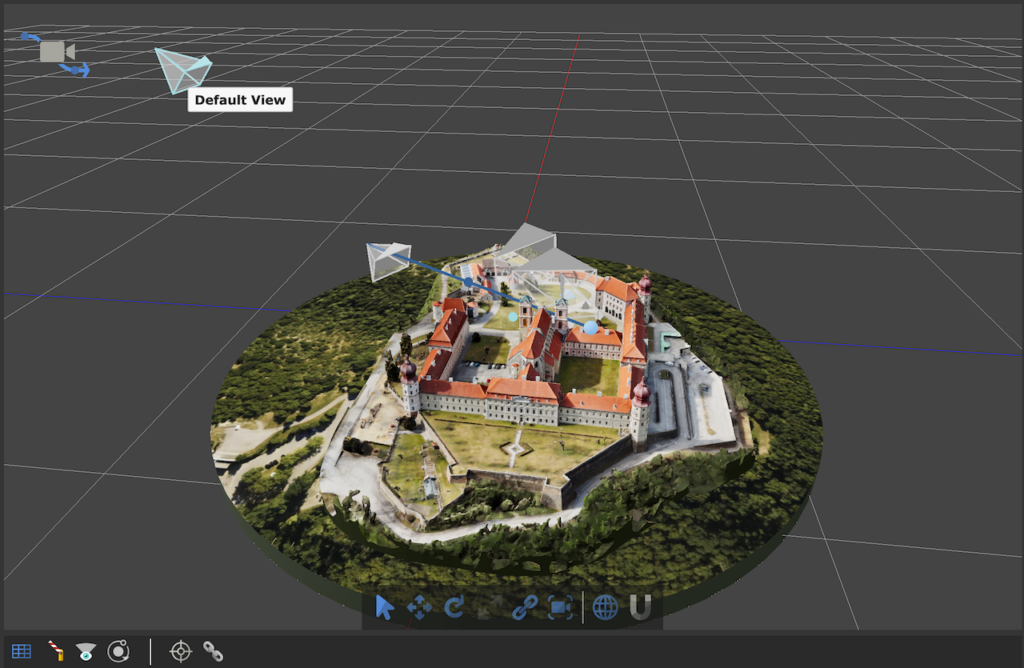 Default View Camera Point
Here’s a recap on all the Camera Points and what they do:
3D mesh models can be a bit too resource-hungry to view on a device through a web browser. So to help with this, we added an option to have them optimized on output. You can let Pano2VR do the optimization for you or open the Optimization Settings to customize. When you deselect this option, you can add your own optimized file for mobile devices, which can be used for Gaussian Splats as well.
Navigation when viewing Gaussian Splats in Pano2VR’s Viewer and on output is much smoother.
We added an Input Type for 3D models so that you can choose the correct type in case Pano2VR recognizes it incorrectly.
We renamed the old Fly Camera Mode to Panorama and created a new Fly Camera mode the uses dolly movement. And here’s a tip! Hold the Shift key as you change camera modes to keep the position in the model the same.
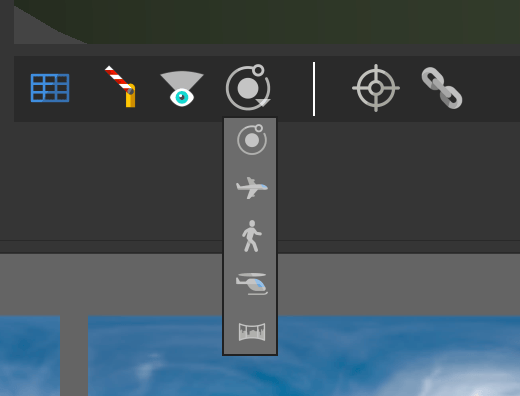 The Camera Modes in the Viewer Settings
You’ll also find a few new settings in the 3D Model Properties:
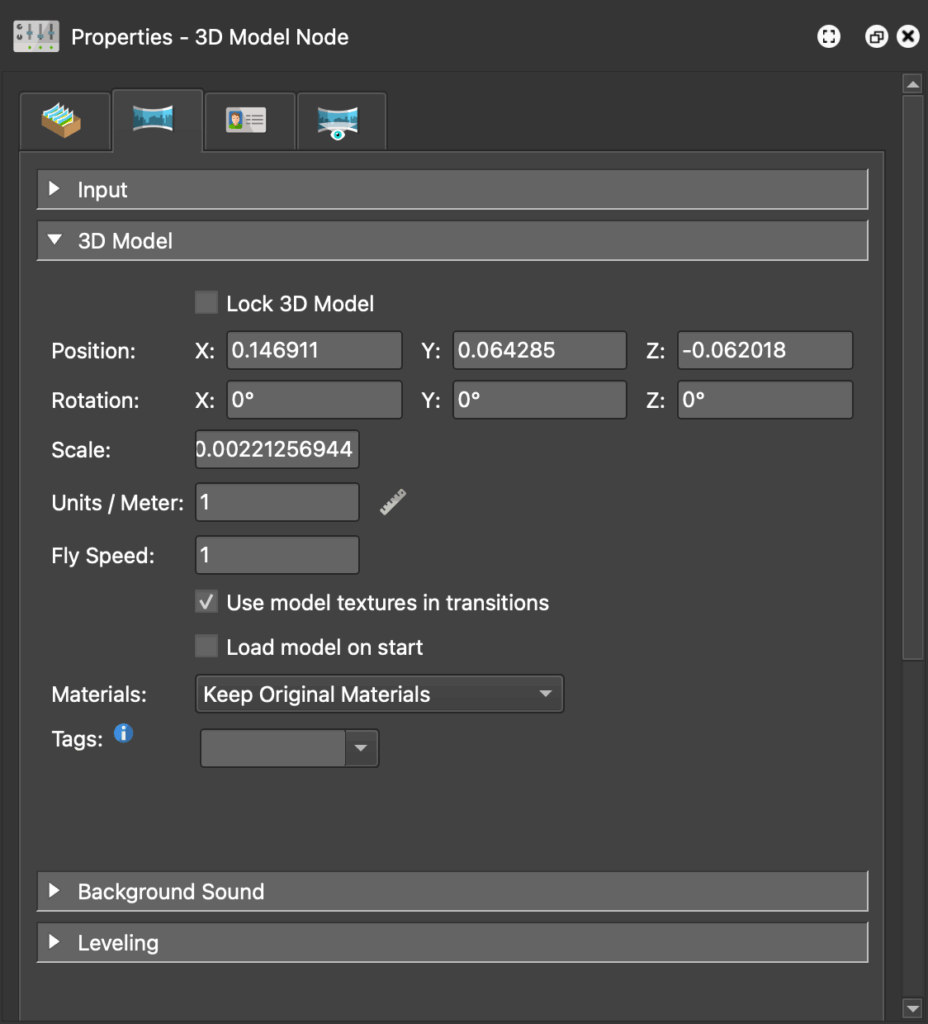 3D Model PropertiesNew Skin actions for 3D projects
The Skin Editor gets two new actions for 3D model workflows. One moves to a camera point in a 3D model and one sets the camera mode. Both are found in the View category of the skin actions:
There’s also a new Logic Block Trigger to let you react to 3D camera modes. You’ll find it in the Trigger’s View category.
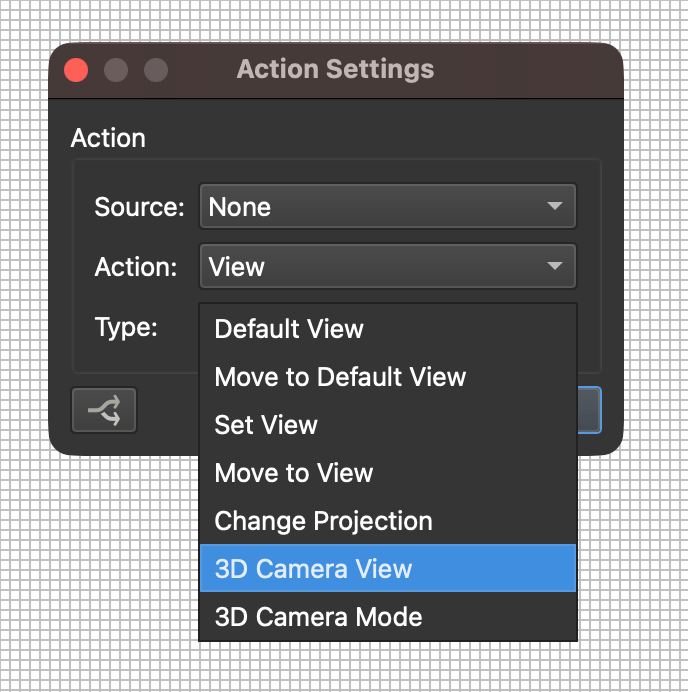 New Skin Actions More Features
And as always, we made a ton of fixes, here is just a sampling:
For the complete list of changes, see What’s New in the Pano2VR 8 beta documentation. Download and learn more about Pano2VR 8.
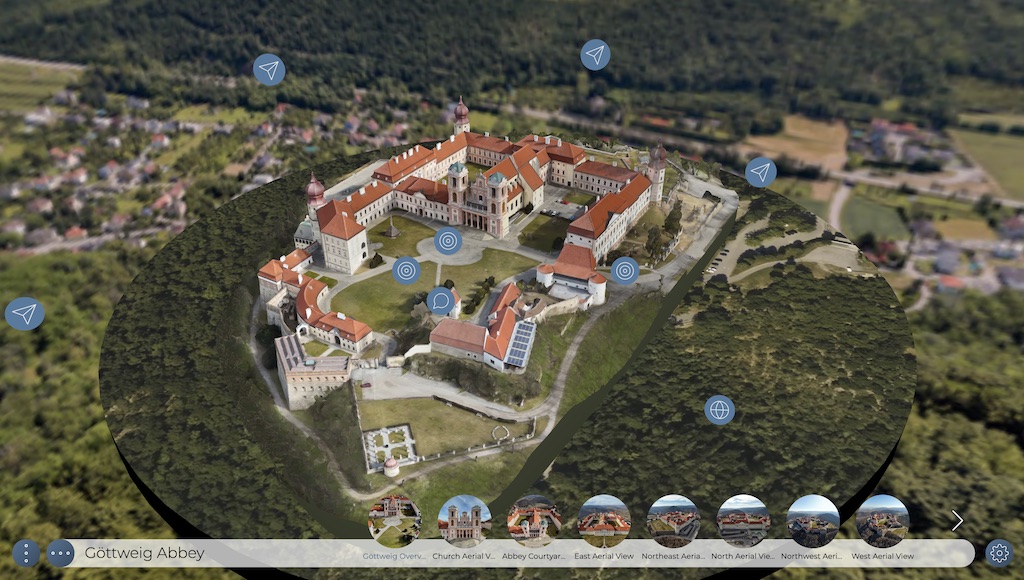 Virtual Tour with 3D Model
| # | Наименование новости | Тональность | Информативность | Дата публикации |
|---|---|---|---|---|
| 1 | Pano2VR 8.1 beta | 0 | 31.64 | 29-09-2026 |
| 2 | Pano2VR 8 Released | 0 | 33.52 | 27-05-2026 |
| 3 | Pano2VR and Object2VR Updates | 0 | 30.48 | 22-04-2026 |
| 4 | Pano2VR Tutorials and Gnome Cloud Updates | 0 | 23.07 | 03-08-2026 |
| 5 | Pano2VR in the Wild | Wien52 | 0 | 22.49 | 17-02-2026 |
| 6 | Small Fixes for VirtueMart 4 and new Beta for VirtueMart 5 | 0 | 6.62 | 14-04-2026 |
| 7 | An Update for Hubano | 0 | 17.41 | 19-08-2026 |
| 8 | Google launches Nano Banana 2.1 with better editing and subject consistency | 0 | 16.41 | 06-10-2026 |
| 9 | Google explains the design of Android’s new Noto 3D emoji | 0 | 20.08 | 17-07-2026 |
| 10 | DisplayFusion 12.2 (Beta 2) Now Available! | 0 | 12.75 | 09-10-2026 |