Просмотр новости
Найдите то, что Вас интересует
 Спутники
 РН
РН SpaceX
 Роскосмос
 NASA
NASA
СпутникиРНSpaceXРоскосмосNASA
After finally downloading the latest version of Siri AI and putting it through its paces to set up my weekend festivities, I was surprised by everything it could do.
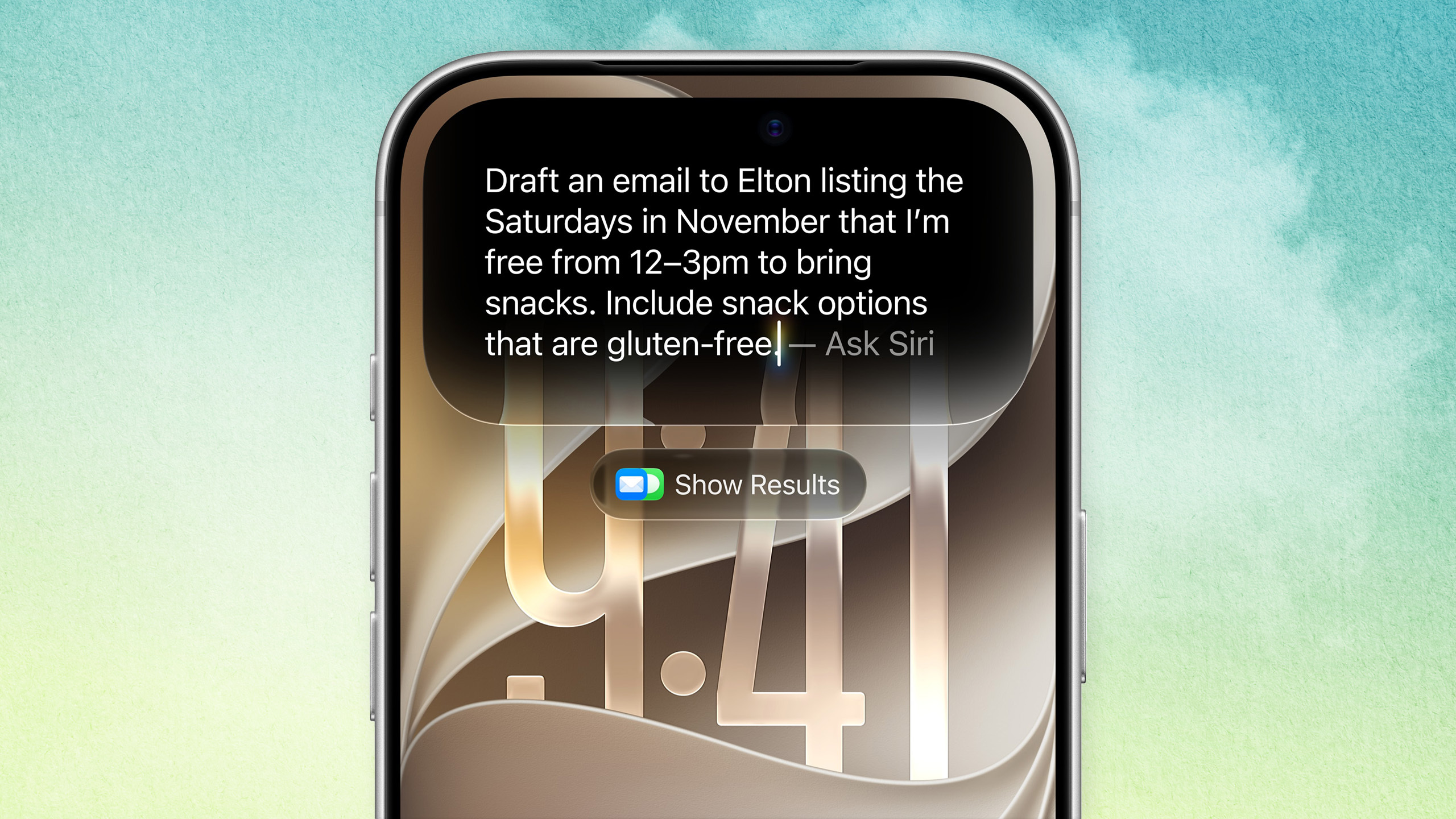 (Image credit: Tom’s Guide/Apple)
Out of all the AI tools I use, Siri AI once took the spot for “the chatbot I use the least.” I’ve always seen it as the helpful voice assistant that helps my parents set up phone calls, give them the next day’s weather forecast and bring up a playlist of the best Michal Jackson concert footage on YouTube.
But after I finally downloaded iOS 27 and spotted the brand-spanking-new app icon for Siri AI on my phone, I decided to see if its promises of giving users deep personal context understanding, on-screen awareness and cross-app action capabilities were as amazing as advertised.
Since two friends of mine I haven’t seen in a while want to reunite soon, I figured I’d take a different approach to setting up everything I’m planning to do with them. Forgoing my usual event planning methods with ChatGPT, I decided to go that route with Siri AI and see just how good it could be when suggesting the perfect places and activities to embark on while keeping my buddies and my starting locations for Saturday and Sunday in mind.
After taking Siri AI for a whirl, I was surprised to see just how well the Apple Intelligence-powered tool is when the time comes for me to put my weekend plans in motion.
Using Siri AI to make my weekend planning a simple affair
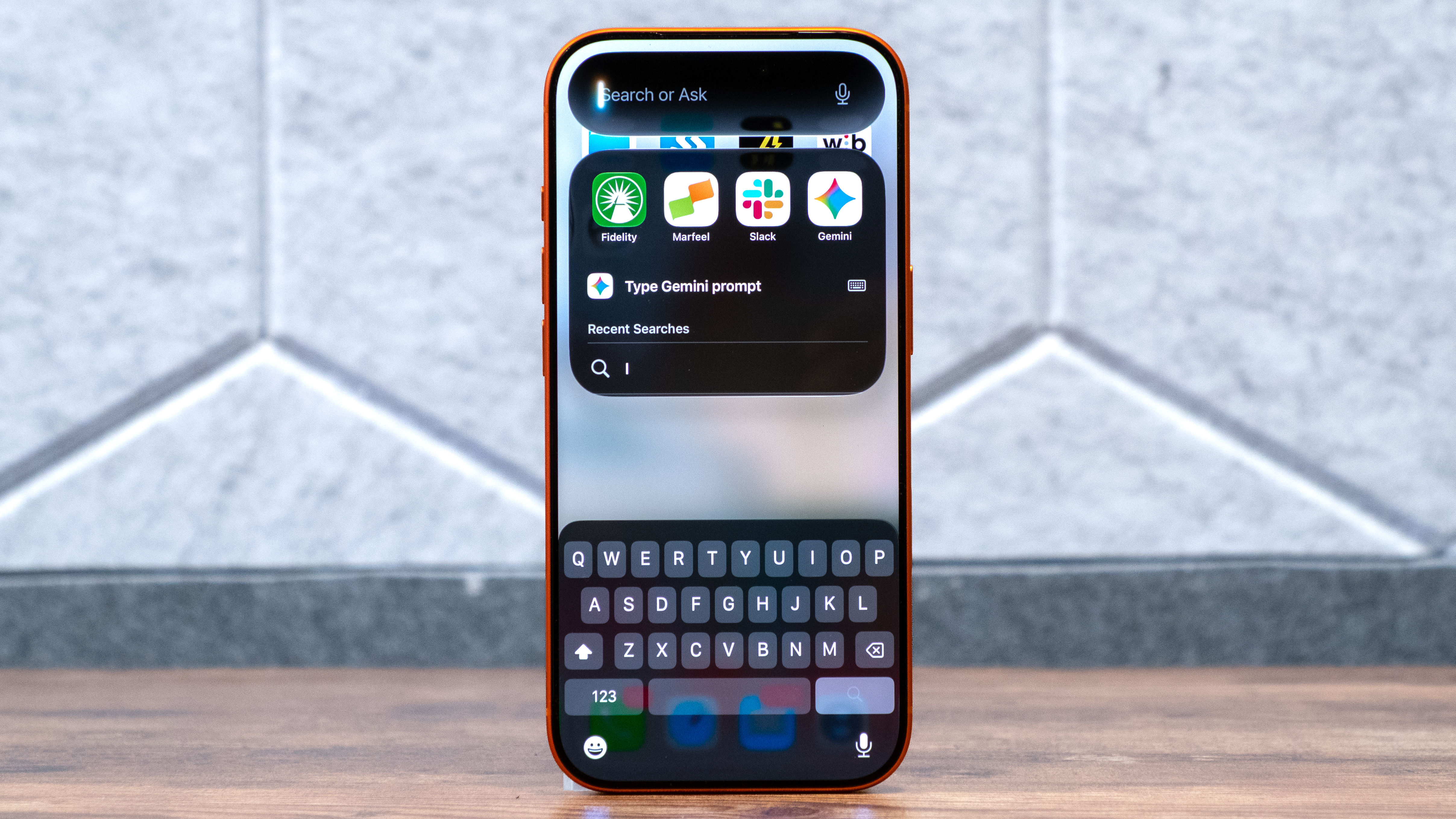
Giving Siri AI all the information it needed to make sure my friends’ and their respective Saturday and Sunday meetups were memorable, I input this loaded prompt to push it in the right direction:
“I want you to plan my entire weekend. I’m planning to see Resident Evil at the Alamo Drafthouse Cinema in Lower Manhattan with a friend on Saturday at 5:15pm. Find me a good place to eat afterwards and a nice bar that serves IPAs for the post-dinner hangout. On Sunday, I’m planning to go to Barcade near 10 Cortlandt Street on Sunday around 4pm with another friend. Find me a nearby bookstore and vintage clothing store to go to afterwards.”
I liked the fact that Siri AI detailed the best options to consider for both days, as well as bringing up the Maps app to highlight those recommended hotspots. For instance, Siri AI mentioned Manhatta, Crown Shy and O’Hara’s Restaurant & Pub as the three top hangouts to consider for me and my friend’s Saturday meetup. At first, the Sunday explanation didn’t include much info on the exact places my buddy and I should head to after our Barcade get-together.
Sign up to the Tom's AI Guide weekly newsletter summing up all the biggest AI news you need to know. Plus, analysis from our AI editors and tips on how to use the latest AI tools!
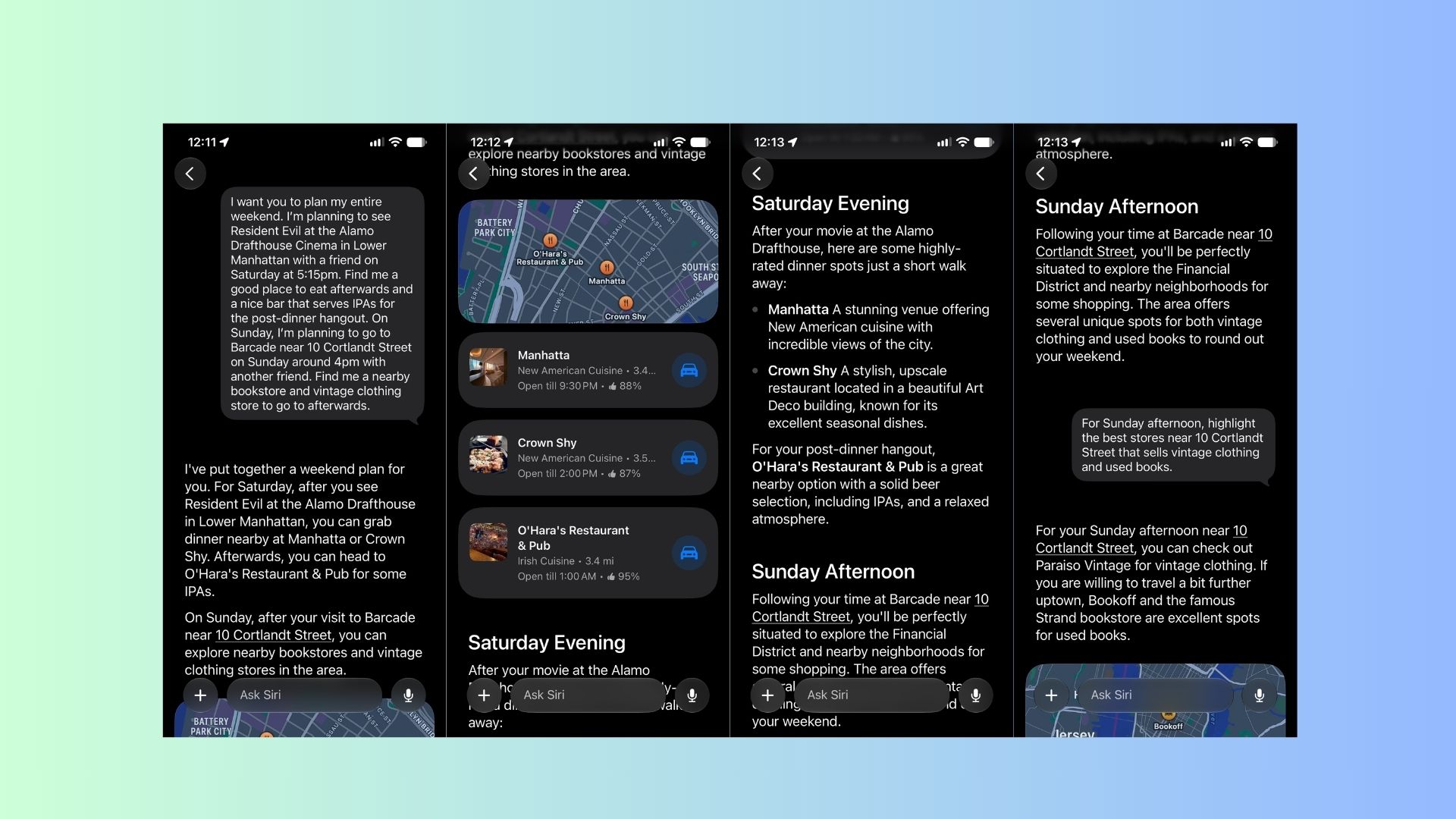
I had to prompt Siri AI to be more specific with its picks by using this follow-up prompt:
“For Sunday afternoon, highlight the best stores near 10 Cortlandt Street that sells vintage clothing and used books.”
Siri AI took note of my specific request and brought up the likes of Parasio Vintage, 2nd Street (Howard St), Bookoff, Strand and Alabaster Bookshop as the best go-to spots after my initial Sunday Barcade session ends. I used another follow-up prompt (“What are some other unique and fun places to go to after my movie watch on Saturday and my Barcade hangout on Sunday”) and Siri AI continued to expand my list of places to consider going to near my starting locations on both days.
Siri AI continued to mention a bunch of worthwhile locations, such as The Dead Rabbit bar & The Seaport shopping district for Saturday and The Oculus landmark & the Eataly NYC Downtown Italian marketplace for Sunday. To bring my test of Siri AI’s weekend planning capabilities to an end, I wanted to see if it could create a note for me that put all its plans in an easy-to-find reminder. Prompting it with “Create a note for me called ‘Weekend Plans’ that lays out everything I want to do this Saturday and Sunday” resulted in that request being fulfilled in just a few seconds, which was a nice surprise.
Siri AI’s recommended prompts for weekend planners just like me
I was pretty impressed with Siri AI’s event planning abilities, the recommended locales it brought up and the way it interacted with the Maps and Notes apps on my phone to create easy reminders. On my journey for more ways to get the most out of Siri AI’s conversational and context-aware capabilities when it’s time to make weekend plans, I asked it to give me examples of the best prompts to use for that specific case.
Here are the seven prompts and the explanations behind each one that it produced:
Ignoring Siri AI for so long might have been a blessing in disguise, since I finally recognized just how useful it can be, now that it's gotten a major overhaul and has its very own app that turns it into a chat-style interface. Event planning might just end up being one of my most-used cases whenever I interact with Siri AI, especially since it can work with other apps to see the directions I need to take to get to certain locations, set up calendar reminders and throw all my plans into my notes for future reference.
Follow Tom's Guide on Google News and add us as a preferred source to get our up-to-date news, analysis, and reviews in your feeds. Subscribe to Tom's Guide on YouTube and follow us on TikTok.
Elton Jones covers AI for Tom’s Guide, and tests all the latest models, from ChatGPT to Gemini to Claude to see which tools perform best — and how they can improve everyday productivity.
He is also an experienced tech writer who has covered video games, mobile devices, headsets, and now artificial intelligence for over a decade. Since 2011, his work has appeared in publications including The Christian Post, Complex, TechRadar, Heavy, and ONE37pm, with a focus on clear, practical analysis.
Today, Elton focuses on making AI more accessible by breaking down complex topics into useful, easy-to-understand insights for a wide range of readers.
| # | Наименование новости | Тональность | Информативность | Дата публикации |
|---|---|---|---|---|
| 1 | 3 funzioni AI di Siri che possono cambiare la tua giornata | 0 | 7.97 | 21-07-2026 |
| 2 | WWDC26: Apple's new Siri AI aims to become a truly personal assistant | 5 | 7 | 08-06-2026 |
| 3 | Tips to customize the new iOS 27 Siri app on iPhone or Mac | 0 | 18.38 | 06-08-2026 |
| 4 | How the new Siri AI compares to existing Gemini features on Android | 0 | 5 | 08-06-2026 |
| 5 | Apple unveils ‘Siri AI’ in challenge to rival chatbots | 0 | 14.35 | 09-06-2026 |
| 6 | How to turn off Siri AI and other Apple Intelligence features | 0 | 18.79 | 19-09-2026 |
| 7 | Seeing Siri AI in action has me excited for the future | 7 | 5 | 17-06-2026 |
| 8 | tvOS 27 to add Siri AI for Apple TV 4K, per new leak | 0 | 11.89 | 18-08-2026 |
| 9 | AI Tool of the Week: a smart assistant that automates your weekly workflows | 7 | 8 | 27-06-2026 |