Просмотр новости
Найдите то, что Вас интересует
 Спутники
 РН
РН SpaceX
 Роскосмос
 NASA
NASA
СпутникиРНSpaceXРоскосмосNASAIn this installment of The Admin Resource Hub, we discuss building a team of moderators and co-admins for your Flickr group. Find some tips on when to ask for help, who will make a great addition to your team and how to make it happen.

Welcome to Part 2 of our Admin Resource Hub series, helping you build and run a great Flickr group. This time around we’re talking about creating your dream team of mods and co-admins to help keep your group momentum going.
Running a group solo works fine, right until it doesn’t. If you suddenly see a boost in membership, photos submitted to the queue come pouring in and you think, I could use another set of hands, it might be time. Bringing on a co-admin or moderator isn’t an admission that you can’t handle things, it’s how groups outlast any one person’s bandwidth and carryon to flourish and thrive.
Knowing when it’s timeThere are a few signs that it’s time to ask for help:

A backlog, whether it’s a mounting photo or unanswered discussions, doesn’t just slow things down, it can make the group feel unattended and members new and old will notice. Remember, Flickr members check in from all over the world and there are whole groups of members who are never online the same time you are. Knowing when it’s getting to be time to line up some help (before you’re drowning) is important. Bringing someone on early before the group is in catchup mode while things are still manageable gives you room to properly introduce them to the group and show them the way you’d love the group to work, all while giving them time to get settled in.
What to look for in a moderatorThe best moderators are often your most consistent community members. Look for people who:

Not every extra set of hands needs the same level of access. Flickr offers two roles to promote members to and that difference matters.
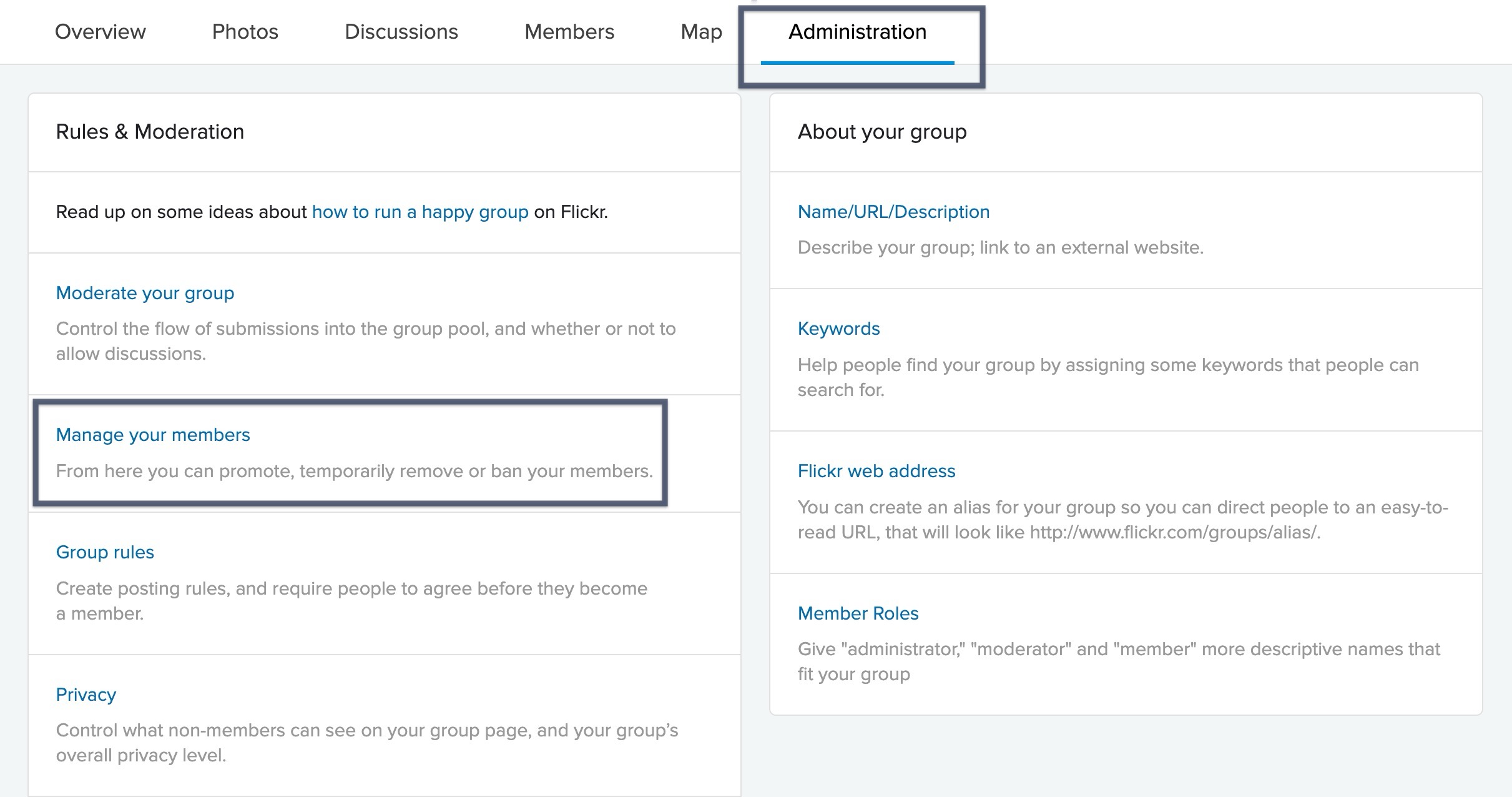
To promote someone, head to the Administration tab in your group. Click manage your members, and select Promote next to their name. From there choose Admin or Moderator and save your changes.
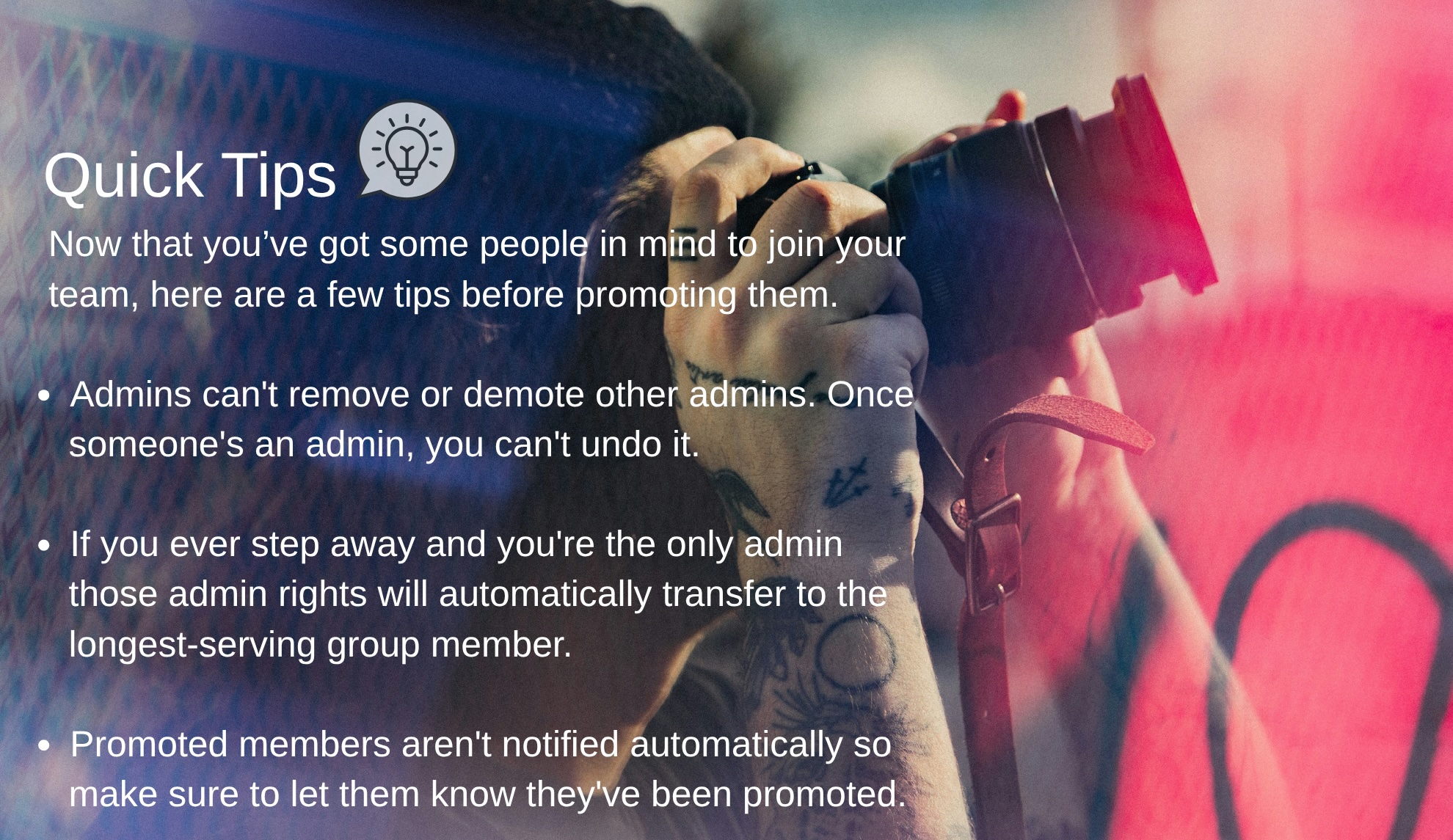
For most groups, starting someone as a moderator is the lower-risk move. This will get you real help without permanently handing over the keys. Reserve the admin role for someone you’d trust to run the group in your absence.
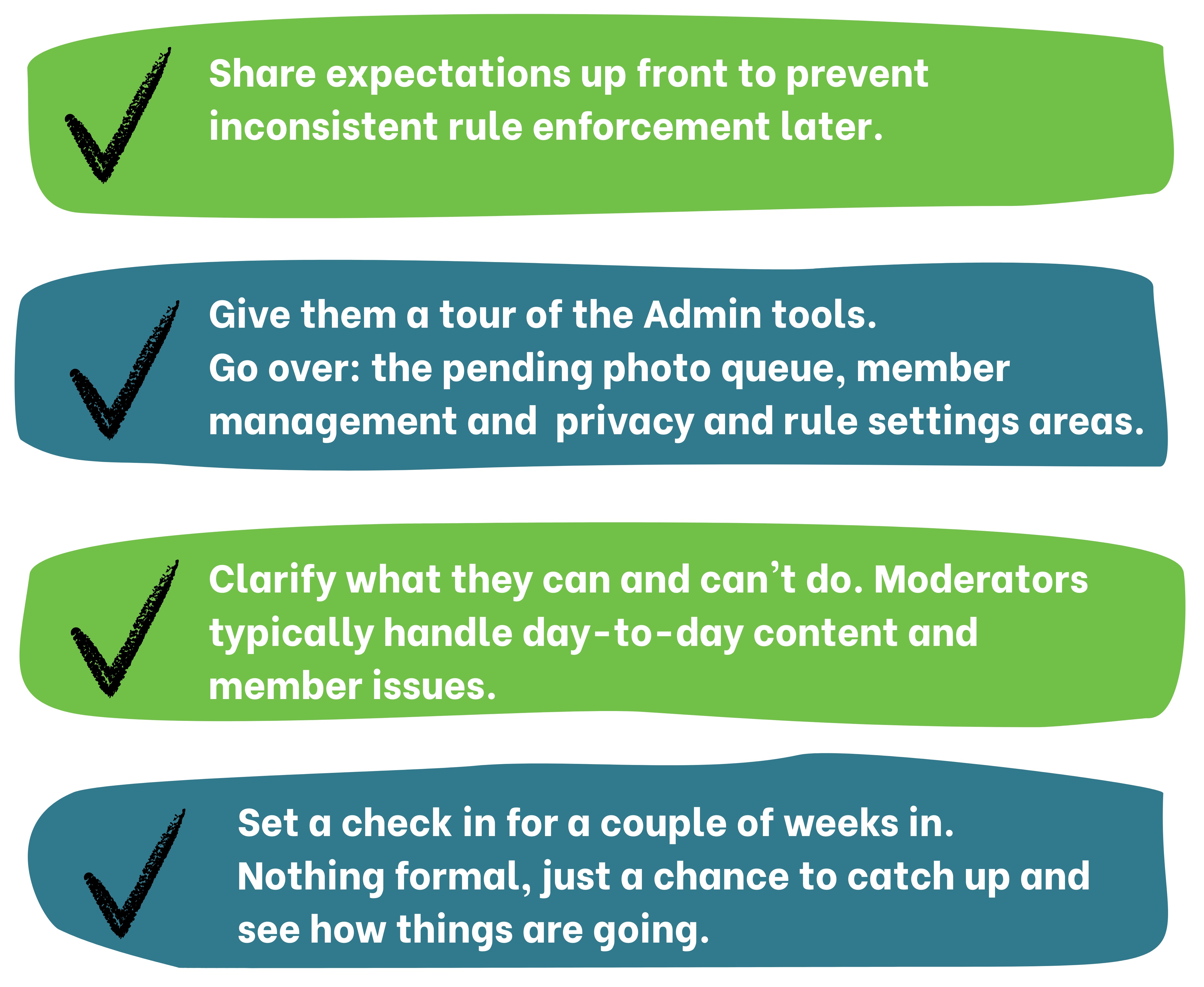
A team that communicates well can make a group feel more consistent to members and this will result in members putting in that extra level of care and effort back into the community. As group admins, you are at the heart of this community and your work is important. So make sure to ask for some help, you deserve it!

This is the second post in our Admin Resource Hub series. Missed the first? Check out Setting Up Your Group. Next up: growing and engaging your members. Have a topic you want covered? Let us know.
Not a Flickr member yet? Sign up today to join our community of photographers and find your inspiration.

Welcome back for September’s Flickr Release Notes recap. We kicked off a new series for our fabulous Flickr Group Admins, contest winners were announced for […]

Check out our newest installment of In Frame with Flickr, a street photography series where we celebrate the art of capturing life as it happens. Time to pick up the pace as we enter the hustle and bustle of Rush Hour.
| # | Наименование новости | Тональность | Информативность | Дата публикации |
|---|---|---|---|---|
| 1 | The Admin Resource Hub: Setting Up Your Group | 0 | 5.05 | 24-08-2026 |
| 2 | ICYMI: News and Updates September 2026 | 0 | 13.88 | 23-09-2026 |
| 3 | In Frame with Flickr: Rush Hour | 0 | 5.55 | 09-09-2026 |
| 4 | How to succeed in group projects: Roles, timelines and conflict fixes | 0 | 7 | 19-03-2026 |
| 5 | How Teamwork Enhances Mortgage Loan Experience For Homebuyers | 5 | 7 | 10-07-2026 |
| 6 | A Key Ingredient for Making Teams Soar | 0 | 8.46 | 01-07-2026 |
| 7 | Why AI Tools Won’t Fix Your Team’s Productivity Problem (But Building the Right Culture Might) #business #businesstools | 0 | 7.46 | 06-05-2026 |
| 8 | Re: Paramount Plus | 0 | 10 | 20-09-2026 |
| 9 | Scaling Account Teams Without Hiring: The Operational Playbook | 0 | 10.76 | 07-07-2026 |
| 10 | If You Want Your Team to Embrace Change, Stop Rushing the Transition. Here’s What to Do Instead. | 0 | 6.4 | 13-08-2026 |