Просмотр новости
Найдите то, что Вас интересует
 Спутники
 РН
РН SpaceX
 Роскосмос
 NASA
NASA
СпутникиРНSpaceXРоскосмосNASAApple Watch users have two current Home Screen layout options, but in watchOS 27 they’re joined by a new default: the dynamic app grid. Here’s how it works.
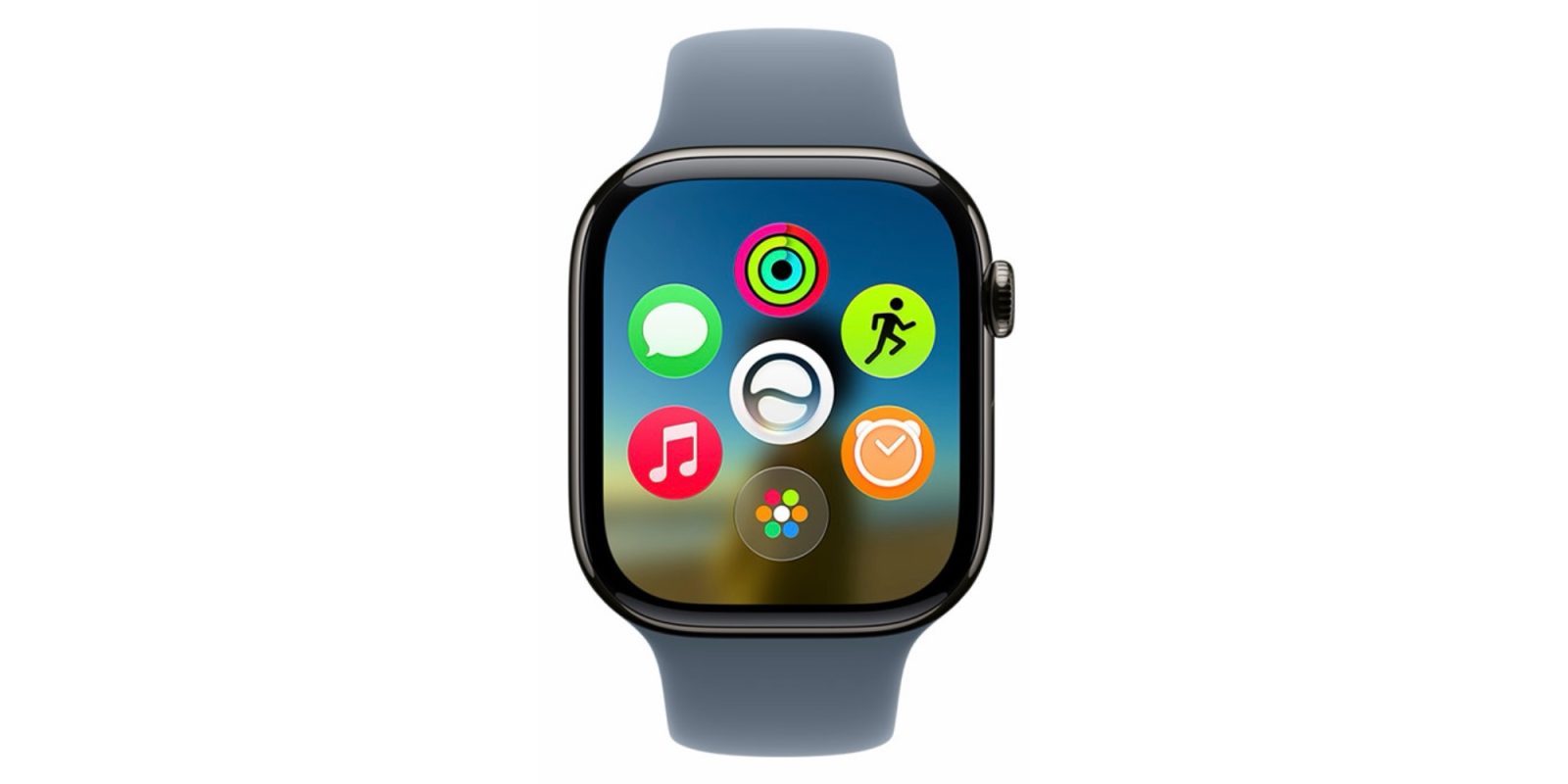
Apple Watch users have two current Home Screen layout options, but in watchOS 27 they’re joined by a new default: the dynamic app grid. Here’s how it works.
Dynamic app grid is watchOS 27’s new default Home Screen view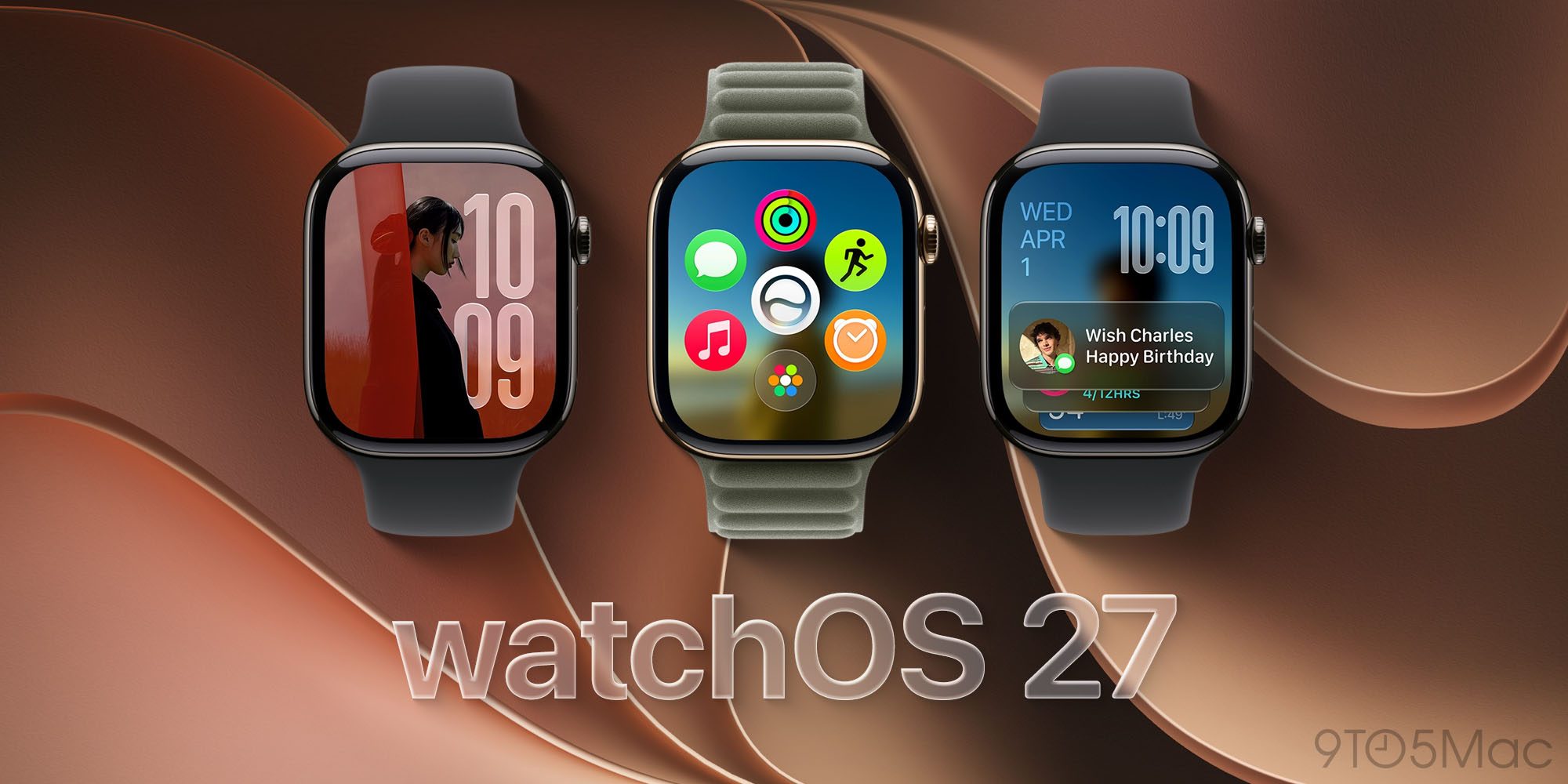
When Apple Watch first launched, it came with a very iPhone-inspired Home Screen.
The original Home Screen was the ‘honeycomb’ layout of app icons that today is called ‘Grid view.’ It was joined in watchOS 4 by a second option: ‘List view.’
But in watchOS 27, Apple adds a third Home Screen view that takes priority as the new default: the ‘Dynamic app grid.’
New dynamic app grid. This automatically highlights Siri-suggested apps, including your most popular and recently used ones — with the Siri app always front and center.
In watchOS 27, clicking the Digital Crown now takes you straight to the dynamic app grid.
Here, you’ll see the Siri AI app front and center, with five suggested apps surrounding it. And at the bottom, a shortcut to open your full app library.
That shortcut at the bottom will open either Grid view or List view, depending on which is your preferred layout.
So the old Home Screen options aren’t going away, they’re simply hidden behind what Apple hopes is a more user-friendly default.
watchOS 27’s new Home Screen: wrap-upMy suspicion is that Apple knows watchOS users tend to manually open only a small number of apps. Most app interactions happen through complications or widgets, making a full-blown, comprehensive Home Screen less important.
The dynamic app grid’s success will hinge entirely on how relevant its app suggestions are. And so far in the watchOS 27 beta, I’ve been pleased with what I’ve seen.
What do you think of the new default Home Screen in watchOS 27? Let us know in the comments.
Best Apple Watch accessories


FTC: We use income earning auto affiliate links. More.

| # | Наименование новости | Тональность | Информативность | Дата публикации |
|---|---|---|---|---|
| 1 | watchOS 27 will add two new apps to your Apple Watch | 0 | 12.46 | 12-08-2026 |
| 2 | watchOS 27 for Apple Watch unveiled with these features | 0 | 15.54 | 08-06-2026 |
| 3 | Top watchOS 27 features that will enhance your Apple Watch | 0 | 17.67 | 14-07-2026 |
| 4 | No new Apple Watch faces in watchOS 27 (yet), but here’s one I’ve been loving | 0 | 10.7 | 14-08-2026 |
| 5 | watchOS 27 public beta is here with Siri AI and smarter Apple Watch features | 0 | 11.86 | 13-07-2026 |
| 6 | watchOS 27 adds new Apple Watch trick that I’ve been loving | 0 | 19.17 | 18-06-2026 |
| 7 | watchOS 27 drops support for five Apple Watch models, here’s why | 0 | 14.92 | 19-06-2026 |
| 8 | watchOS 27 drops support for several Apple Watch models, here’s the full compatibility list [U] | 0 | 14.78 | 08-06-2026 |
| 9 | watchOS 27 will upgrade popular Apple Watch face with new options, per leak | 0 | 12.9 | 11-08-2026 |
| 10 | watchOS 27 could make Apple Watch’s important new health feature even better | 0 | 15.21 | 07-08-2026 |