Просмотр новости
Найдите то, что Вас интересует
 Спутники
 РН
РН SpaceX
 Роскосмос
 NASA
NASA
СпутникиРНSpaceXРоскосмосNASA
Wondershare PDFelement helps Mac users do far more than simply view PDFs.
(via Cult of Mac - Your source for the latest Apple news, rumors, analysis, reviews, how-tos and deals.)
For basic PDF viewing, annotations, and document signing, Apple’s Preview remains one of the most convenient tools available on macOS.
However, modern PDF workflows often require more advanced capabilities, including PDF editing, OCR, file conversion, document organization, security controls, and AI-powered productivity tools. Wondershare PDFelement provides these features within a single platform, making it a practical choice for users who regularly work with PDFs beyond simple viewing and markup.
This post contains affiliate links. Cult of Mac may earn a commission when you use our links to buy items.
Wondershare PDFelement helps Mac users do far more than simply view PDFsThe problem is not that Preview is bad at what it does. It is that modern PDFs are no longer just documents to read or mark up. They are contracts that need direct text edits, reports that need clean conversion, scanned archives that need searchable OCR, and long documents that need faster review. As these workflows become more demanding, many Mac users are looking beyond Preview to dedicated tools like Wondershare PDFelement that can handle the entire PDF lifecycle in one place.
Modern PDF Workflows Demand More Than ViewingThink about the PDF tasks you handle during a typical week. You might need to:
Individually, none of these tasks seem unusual. Collectively, they highlight how PDFs have evolved from static files into active workspaces. The challenge is that most built-in PDF viewers were never designed to support this level of functionality.
Editing PDFs Without Starting Over Wondershare PDFelement has a robust but easy-to-use interface.
One of the biggest frustrations Mac users face is receiving a PDF that requires changes. Preview allows comments and annotations, but it doesn’t offer true PDF editing.
Wondershare PDFelement allows users to edit PDF text, images, layouts, links, headers, footers, and other document elements directly, eliminating the need to recreate files from scratch.
For professionals working with client-facing documents, that can save hours every week.
Combining and Organizing Documents in MinutesMany projects involve multiple PDF files, such as contracts, invoices, research reports, supporting documentation, and project briefs. Rather than sending a dozen attachments, most professionals prefer a single organized PDF.
Wondershare PDFelement makes it easy to:
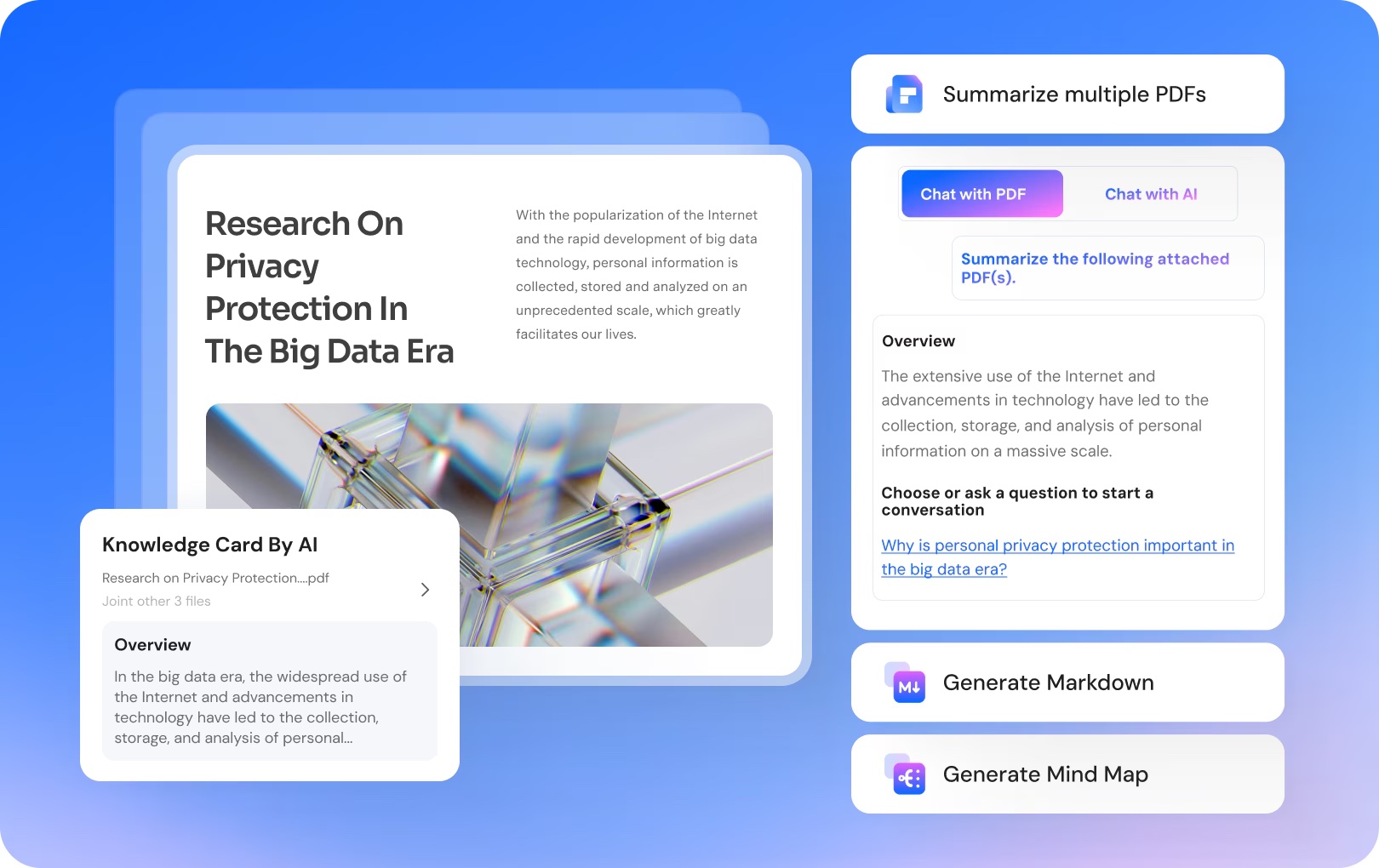 Wondershare PDFelement can easily summarize multiple PDFs.
One area where Preview quickly reaches its limits is scanned documents.
Some image-based PDFs can be recognized by macOS, but that does not always mean they are easy to edit, cleanly extract, or reuse in another format.
Wondershare PDFelement’s OCR technology converts scanned PDFs into searchable and editable documents.
This is especially valuable for:
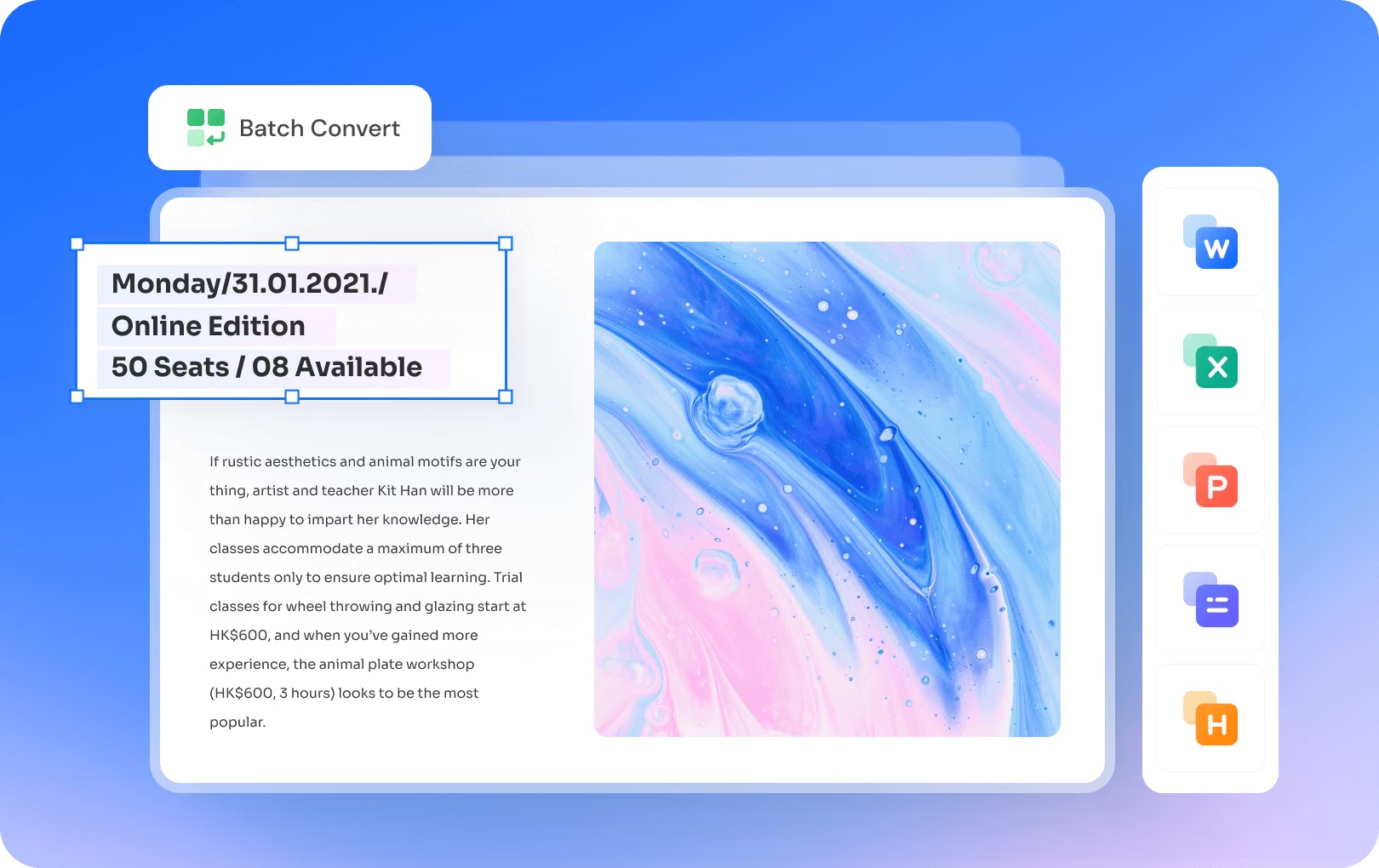 Wondershare PDFelement can batch converting multiple PDFs to popular formats like Word or Excel.
Anyone who has ever converted a PDF knows the frustration.
Wondershare PDFelement supports conversion between PDF and popular formats such as:
For users who regularly reuse document content, accurate conversion can dramatically improve productivity.
Protecting Sensitive DocumentsNot every PDF should be freely accessible.
Organizations increasingly need tools to safeguard confidential information.
Wondershare PDFelement includes features that help users:
For legal, HR, healthcare, and finance professionals, these capabilities are becoming essential rather than optional.
AI Is Reshaping PDF Workflows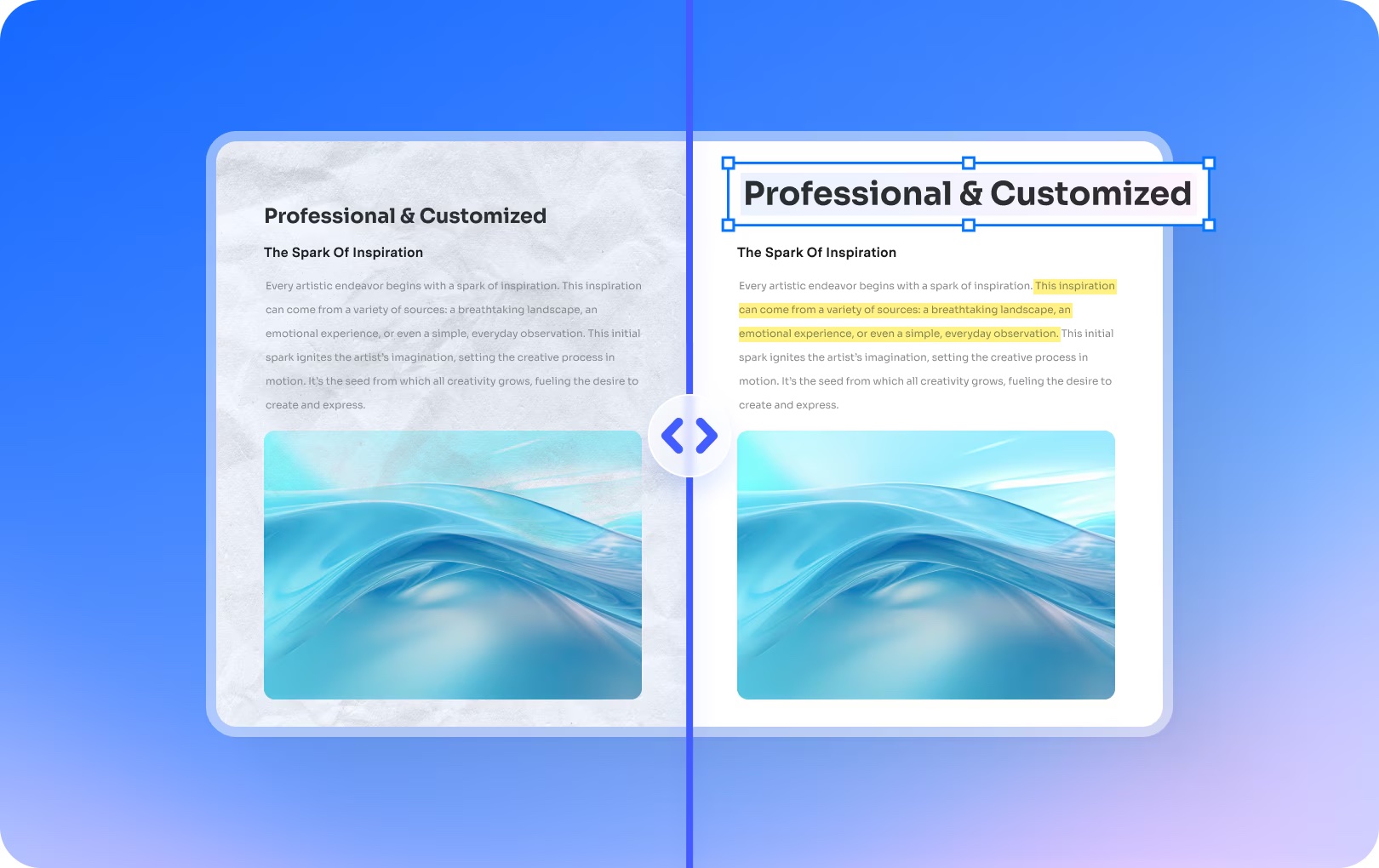 Import documents with Wondershare PDFelement’s highly-accurate OCR.
Perhaps the biggest change in PDF software isn’t editing or OCR. It’s artificial intelligence. Wondershare PDFelement now incorporates AI-powered capabilities that help users:
Instead of manually reading hundreds of pages, users can quickly surface the information that matters most.
As document volumes continue to grow, AI-assisted workflows are becoming a significant productivity advantage.
Why Many Mac Users Are Choosing Wondershare PDFelementApple Preview remains one of the best free utilities included with macOS.
For viewing PDFs, adding signatures, and making quick annotations, it’s still difficult to beat.
But today’s document workflows require far more than viewing.
Users increasingly need a solution that can:
Rather than relying on multiple applications to complete these tasks, Wondershare PDFelement brings them together in a single platform optimized for modern Mac workflows.
For users who spend significant time working with documents, that convenience alone can make a meaningful difference.
Final ThoughtsThe role of PDFs has changed. What were once static documents have become interactive, collaborative, and information-rich workspaces.
Apple Preview remains a fantastic starting point for everyday tasks.
But for professionals who regularly edit, organize, convert, protect, and analyze documents, a dedicated solution like Wondershare PDFelement offers a more complete toolkit. As PDF workflows continue to evolve, the software we use to manage them must evolve as well.
Download Wondershare PDFelement today and take control of your PDF workflow.
| # | Наименование новости | Тональность | Информативность | Дата публикации |
|---|---|---|---|---|
| 1 | 5 overlooked Mac features that save me time every day | 0 | 26.69 | 01-08-2026 |
| 2 | This Mac bundle packs 27 lifetime apps into one $29.99 deal | 6 | 6 | 15-07-2026 |
| 3 | Most beautiful Mac setups: Symmetry, style and serious desk envy | 5 | 3 | 26-06-2026 |
| 4 | This $23 Mac app cleans up storage, speeds up workflows and unlocks hidden tools | 5 | 4 | 19-07-2026 |
| 5 | 4 features that supercharge Notes in iOS 27 and macOS Golden Gate | 0 | 5 | 01-07-2026 |
| 6 | 8 new features in Safari in iOS 27 that make browsing better | 5 | 5 | 22-06-2026 |
| 7 | Check out the best Amazon Prime Day deals on our favorite Apple gear | 5 | 5 | 23-06-2026 |
| 8 | Get PDF Expert Premium Plan: Lifetime Subscription for Mac now at 42% off | 0 | 18.73 | 24-07-2026 |
| 9 | I tried the viral Mac app that reveals what your USB-C cables can really do [Review] | 0 | 5 | 18-07-2026 |
| 10 | Apple Creator Studio updates sharpen editing tools and tighten app integration | 3 | 6 | 30-06-2026 |